
Key Takeaways
- Bleed is extra printed area beyond the final cut line, so edge-to-edge designs do not show white borders.
- It protects against trimming variation, which can happen when paper, posters, or business cards are cut.
- Good artwork uses safe margins so text and key details stay away from the trim line.
- We include human artwork checking, because files prepared “almost right” can still fail at the edges. (More about our approach on Printlogik.)
- Bleed matters across products, from business cards to posters and signage materials.
- Consistent processes help: Choose your product, upload artwork at checkout, and we check before we print & deliver.
Need help? We’re here to make things easy, and a real person can review your order before it goes to print through our workflow. Visit Printlogik for guidance and options.
What is bleed in printing, and why does it matter?
What is bleed in printing? It is the intentional extension of your background, colours, and graphics past the document’s final trim size. That extra area is then trimmed away after printing, leaving the final piece with clean edges and no thin, unwanted borders.
In practice, trimming is never perfect to the millimetre for every sheet. Even with precise equipment and tight tolerances, slight shifts can happen during cutting, trimming, or finishing. Bleed is how we make sure edge-to-edge artwork survives those real-world variations, especially for designs that go right to the edge.
Simple rule: Bleed covers the cut risk. Your important text stays inside the safe area.
Bleed versus trim size versus safe area (the difference customers actually feel)
Many artwork issues are not caused by “bad printing”. They come from misunderstandings about trim size and where key elements sit in relation to the cut.
- Trim size: The final finished dimensions of your printed piece (for example, the final size of a business card or poster after cutting).
- Bleed area: Extra artwork that extends beyond the trim size, so trimming does not reveal unprinted paper.
- Safe area: The zone where you should place text, logos (when needed), and critical details, because it should not be trimmed.
If you upload artwork that stops at the trim line, even a small cut deviation can expose a sliver of the underlying substrate. That tiny sliver is usually the “white border” people notice first, and it can make an otherwise strong design look unfinished.
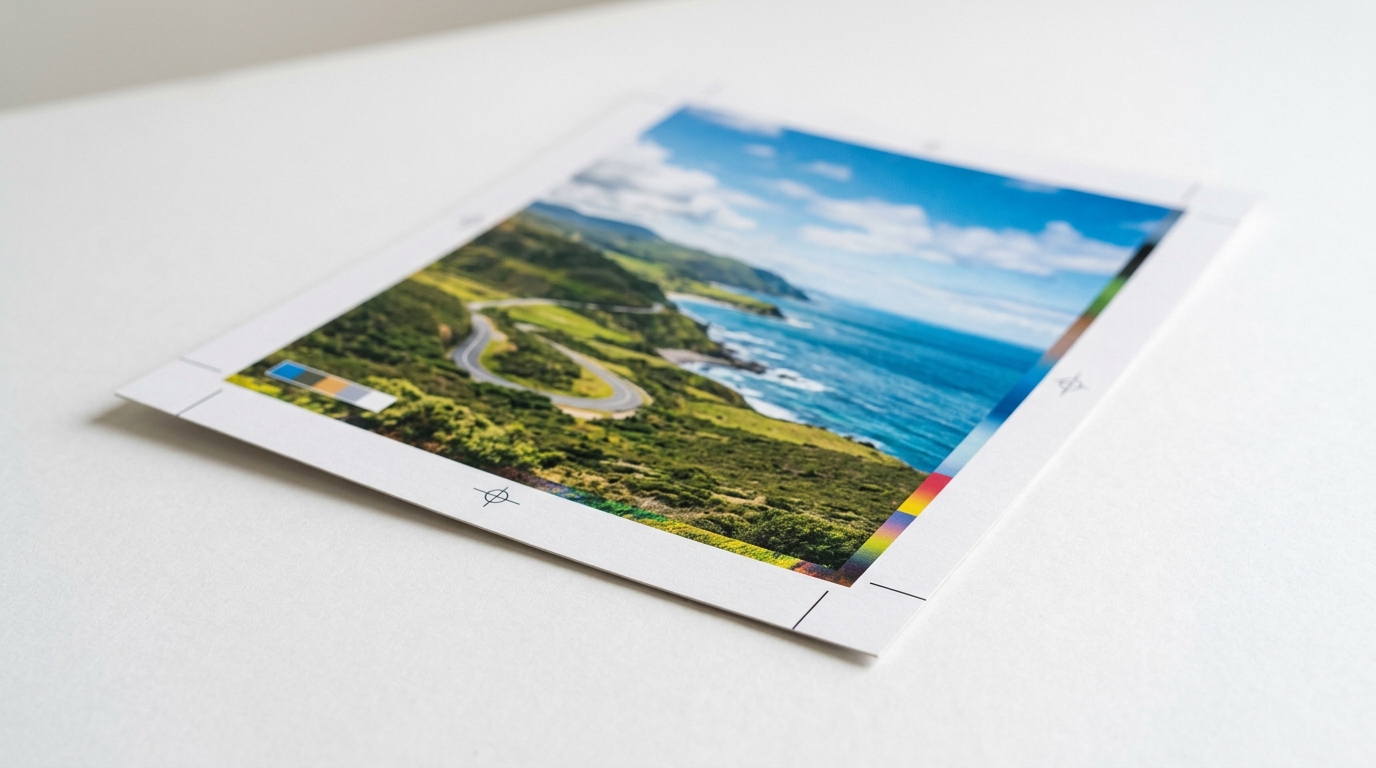
Edge-to-edge design: how bleed in printing protects backgrounds, gradients, and photos
Bleed in printing is most important when your design intends to look continuous to the edge. This includes:
- Solid colour blocks
- Gradients and fades
- Full-bleed photos
- Background patterns
- Dark backgrounds (white borders show up more strongly)
For example, if your business card design has a full-bleed background, the bleed lets that background be trimmed cleanly. Otherwise, the production cut may leave a noticeable line.
At Printlogik, we treat this as part of making the result look deliberate, not accidental. A real person reviews every order before it goes to print, which reduces the chance that a near-correct file still ends up with risky edge behaviour. See how our workflow works at https://www.printlogik.co.uk.
How we manage artwork checks so bleed in printing is handled correctly
In 2026, customers expect consistent print quality at scale, not one-off “luck” in the cut. That is why our process includes a clear pre-flight step.
Our workflow is built around a managed order approach:
- Choose your product
- Upload artwork at checkout
- A real person reviews every order before it goes to print
- We print & deliver
That human artwork checking step matters for bleed-related errors, such as:
- Backgrounds that stop at the trim line
- Text or logos placed too close to the trim
- Incorrect document sizing where trim and artwork boundaries do not match the intended output
- Unclear bleed boundaries that make it hard to confirm edge-to-edge intent
If you want to review what you are ordering, you can browse product options through our site, for example our signs, banners and displays range and make sure your layout fits your format. For guidance on display-style prints, it is also helpful to understand how trimming and finishing affect edges.

Common bleed mistakes (and how to avoid them fast)
Most bleed problems come from a few repeat issues. Here is what to watch for when you prepare your files.
- No bleed at all: Background ends at the trim line, so trimming can reveal unprinted material.
- Bleed is present, but key text is too close: When trimmed, text can get cut or look uneven near edges.
- Incorrect scaling: The artwork might look correct on screen, but the submitted file may not match the intended final size and trim settings.
- Low-resolution images near the edge: While not strictly “bleed”, edge content is often where quality issues become visible first.
- Assuming your template matches the printer: Templates help, but always confirm the layout includes the full bleed and safe area guidance required for your specific product.
If you are unsure, do not guess. Send the file as-is and tell us what you are designing. Our team can help confirm that your bleed in printing setup matches the output you need for a clean finish in 2026.
Practical checklist: getting bleed right for polished results in 2026
Use this checklist before you submit artwork. It is written for real-world speed, so you can avoid avoidable revisions.
- Set your document size to include bleed beyond the final trim size.
- Extend edge-to-edge backgrounds into the bleed area (not just the visible page).
- Keep text and logos inside the safe area, especially for corners and short edges.
- Verify that trim size matches the product format you selected.
- Use high-quality artwork where it touches the edge (photos and gradients).
- Export in the correct format your ordering process expects at checkout.
Once you upload, our workflow supports reliability through review before print, which reduces the odds of bleed in printing errors turning into visible edge issues.
How Printlogik helps brands look consistent everywhere
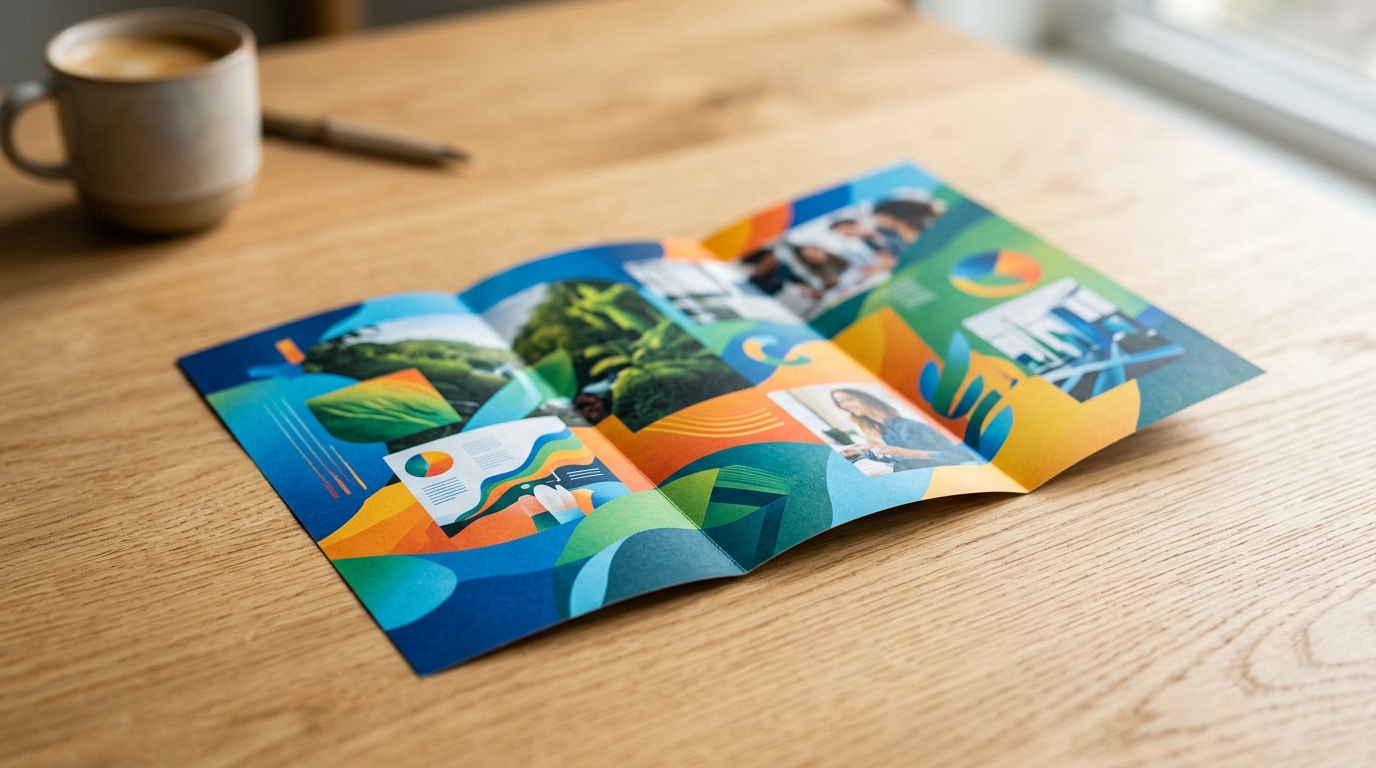
Print is not only production, it is brand presentation. That is why we position ourselves as a creative and technical partner, helping brands turn big ideas into impactful realities, with managed steps and reassurance along the way.
When your artwork includes bleed in printing correctly, the final result tends to look more polished, especially on business essentials and display formats where edges get noticed immediately.
If you want to explore related products that often benefit from edge-to-edge artwork, you can also view our letterheads and our banner options such as the budget roller banner. Each format has its own finishing behaviour, but the same bleed principle helps protect the final trim look.
Conclusion
What is bleed in printing? It is the extra artwork that extends beyond the final trim size, so when printing and cutting happen, your background stays complete to the edge and does not reveal unprinted borders. In 2026, where brands expect consistent, professional results at speed, getting bleed right is one of the simplest ways to protect quality.
We handle the process with clear steps, and importantly, a real person reviews every order before it goes to print at Printlogik. If you want help with edge-to-edge artwork, our team is ready to make it easy.
Frequently Asked Questions
What is bleed in printing and how is it different from trim size?
What is bleed in printing? It is extra artwork added beyond the final trim size so trimming does not expose edges. Trim size is the finished dimension after cutting, while bleed is removed during finishing.
How much bleed do I need for edge-to-edge printing in 2026?
Bleed amounts can vary by product and printer setup, but the purpose stays the same: protect your edges from trimming differences. In 2026, we recommend using the bleed guidance provided for your specific format and keeping key text inside the safe area.
What happens if I do not include bleed in printing?
If you do not include bleed in printing, the background may not extend far enough to cover trimming. The result is often a thin border around the edges, especially noticeable on dark colours and full-bleed photos.
Where should text go if my design has bleed in printing?
Text should stay inside the safe area, away from the trim line. Bleed in printing is for backgrounds and edge-to-edge graphics, while safe spacing protects readability after cutting.
Can I fix bleed issues after my artwork is submitted?
Sometimes bleed issues can be corrected, but the fastest outcome usually happens when files are set up correctly before submission. With Printlogik’s workflow, a real person reviews every order before it goes to print, which helps catch bleed in printing problems early.
Does bleed apply to business cards, posters, and signage?
Yes. Any item that is printed and then trimmed can benefit from bleed in printing, including business cards, posters, and signage-style materials. Edge-to-edge designs are where the difference is most visible.
Is bleed in printing still important if my artwork looks correct in a template?
It can still be important. Templates can be helpful, but bleed in printing must match the final output and trimming behaviour for the product you selected. If you are unsure, we can help confirm your file is set up for a clean finish.